


=================================================
Full ROM Specifications:
Visual Elements
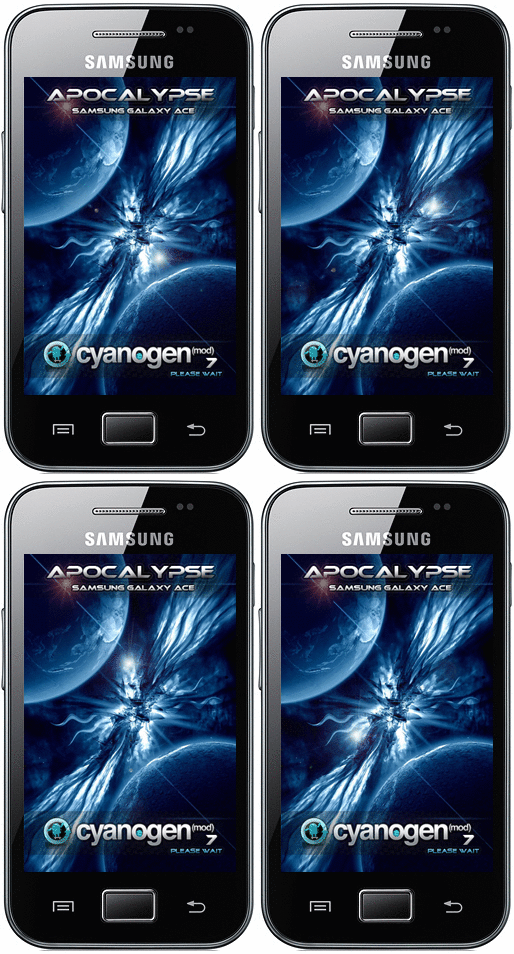
-- bootanimation created especially for APOCALYPSE
-- ICS-Style Settings Menu
-- modded ICS Transparent Theme
-- centered clock
-- status bar supports transparency
-- 50% trans-black lockscreen styles (sliding tabs, rotary, lens)
-- bubble locksreen style by Team Carbon/Steel Blue Theme
-- blue lockscreen buttons by Team Carbon/Steel Blue Theme
-- contacts list image by Team Carbon/Steel Blue Theme
-- usb mount image by Team Carbon/Steel Blue Theme
-- sansation font
Apps
-- Holo Home Launcher
-- Blue Torch
-- Mms by nims11's modded with transparency by me
-- QuickPic as default image viewer
-- Google Play Store 3.5.19
-- Superuser v3.0.7(41)
Performance
-- deodex
-- firekernel OC by dragonnn
-- JIT, Surface Dithering and Prurging of Assets disabled
-- dalvik.vm.heapsize raised to 64m as in stock roms
-- optimised signal tweaks for ACE
-- wireless speed tweaks
-- media stagefright tweaks for faster video streaming
-- graphics enhancement tweaks
-- power saving tweaks
-- dialing tweaks
-- performance+various tweaks
-- journaling is disabled at boot
-- tweaked GPS configuration for optimum results
-- deleted some unwanted system apps
Audio
-- 30steps volume mod
-- beats audio (v2.07) + alsa + AudioFX Widget for superd sound and bass
-- Real Player Beta (100% free - browse your photos and videos from within the app while listening to music - app's widgets are awesome!)
=================================================
Changelog for APOCALYPSE FINAL
Download via Mediafire (.rar file includes rom and layouts - do a full wipe/format all, mount data and flash)
Download via 4shared
- stable, fast and lag-free (to the closest possible)
- based on official CM7 Nighlty 01.07.2012
- firekernel updated to 23.06.12 OC-Official
- build.prop cleaned + added some tweaks
- updater-script cleaned and done correctly
- adreno libs updated
- hw libraries replaced with latest stock libs
- stock gpsd added to system/bin
- simple gps.conf just like in Lagloose's patch
(actually this rom has lagloose's patch but with updated libs)
- clock on right
- launcher changed to launcherpro
(for those with paid version just download licence from market)
- theme changed to original ICS and modded
(touchwiz style settings icons, ics dock icons for launcher pro, all the other stuff from previous theme with no window glow or transparency)
- torch is working on status bar
- added bln support to official nightly
- added CWM Manager to official nightly
- added livewallpaperspicker to official nightly
- added some deleted CM7 apps in previous versions like pacman, html viewer
(now when you press "search" on play store or type a url in browser you don't see the homescreen background)
- re-edited sliding tabs and rotary styles in lockscreen (slightly lighter in color) Lens is left untouched.
- no gallery, mms, camera or file manager
(rom is "kinda" barebone - plenty of choices out there, install the ones you want)
- new bootanimation -- Looks very very good!!!
- google play store updated to 3.7.13
- superuser updated to 3.1.3
Rom still has 30volume steps with fixed ui volume, AE integrated, beats_alsa+audiofx widget, sansation normal and bold font characters fixed for all languages, status bar supports transparency
=================================================
Installation Procedure - Step 1 (rom)
1. bοοt into CWM5 Recovery
2. wipe data/factory reset, wipe cache, wipe dalvik
3. format cache/data/system/sd-ext
4. MOUNT DATA
5. flash APOCALYPSE-17.06.12
5. reboot and complete the setup wizard
NOTE 1: At this stage you probably won't see the status bar. Reboot again to show up or plugin your usb mount cable
NOTE 2: At this stage you probably won't a wallpaper. Choose one with QuickPic
Installation Procedure - Step 2 (ICS Layouts)
1. Reboot into CWM5
2. mount system, flash Layouts APOCALYPSE-patch and reboot
NOTE: After phone boots, status bar is gone, theme is also changed. Don't worry
3. Reboot phone into CWM5 again
4. mount system, flash Layouts APOCALYPSE-undo and reboot
5. Reboot phone into CWM5 one last time
6. mount system, flash Layouts APOCALYPSE-patch, reboot
Finishing GPS Set-Up
1. go to system/etc/gps.conf
2. use root explorer, long press that file and open with text editor
3. replace "europe" with your region according to this guide
4. Save file, no permissions needs to be changed. The .bak file can be safely deleted
NOTE: You can check 2nd and 3rd post for hints and tips, benchmarks, bugs and extras
No comments:
Post a Comment